

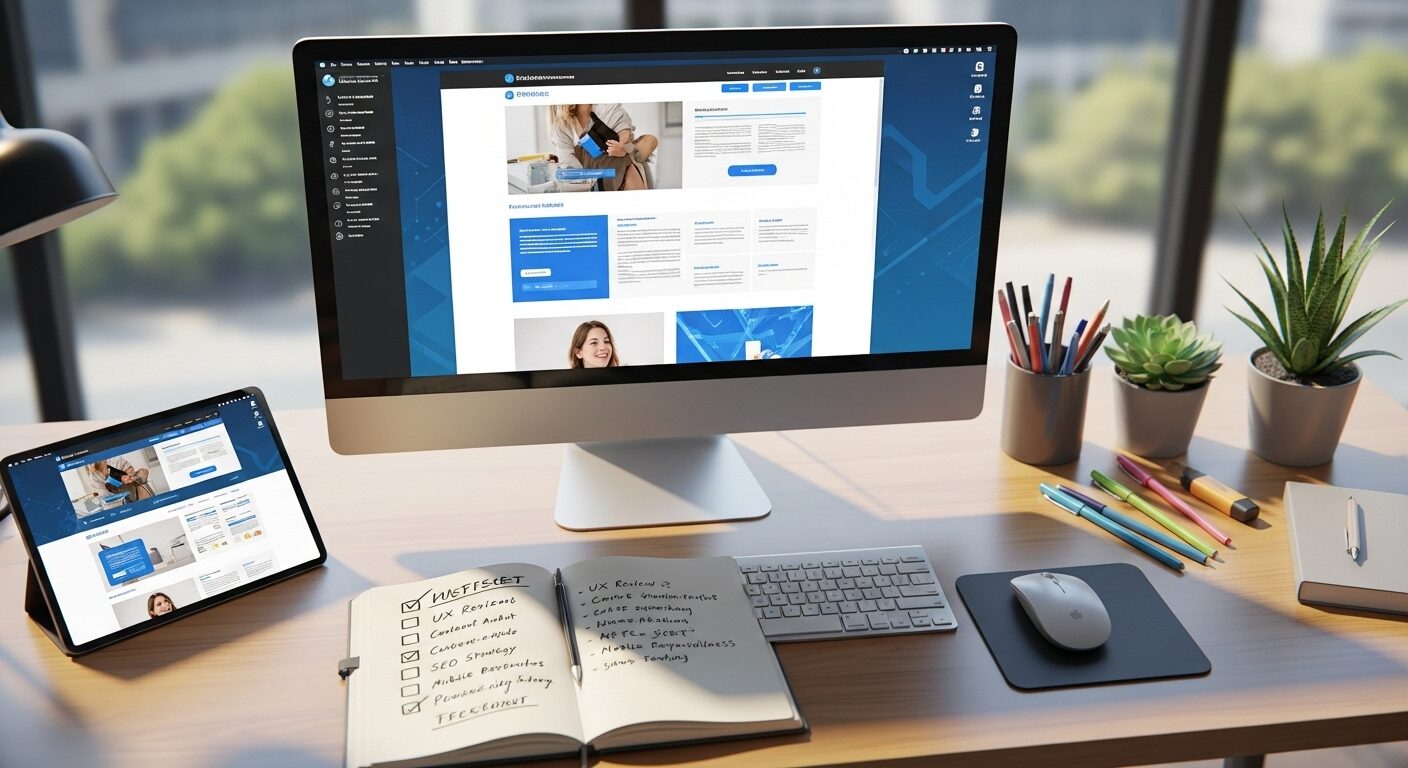
Website Redesign Checklist: Your Ultimate Guide
A website is often the digital face of a business, a crucial touchpoint for customers and prospects. Over time, however, even the best websites can become outdated, slow, or misaligned with business goals. Consequently, a website redesign becomes necessary. To ensure this complex process runs smoothly and effectively, a comprehensive website redesign checklist is indispensable. This guide provides an ultimate checklist to navigate every stage of your website overhaul, ensuring a successful launch and improved online presence.Website redesign checklist.
Why You Need a Website Redesign Checklist
Embarking on a website redesign without a clear plan is akin to building a house without blueprints. It often leads to confusion, delays, cost overruns, and ultimately, a subpar result. Therefore, a structured website redesign checklist is not merely a suggestion; it is a necessity.
Avoiding Common Pitfalls
Many redesign projects fail or fall short of expectations due to preventable mistakes. For instance, neglecting SEO during the planning phase can severely impact post-launch organic traffic. Similarly, overlooking mobile responsiveness can alienate a significant portion of your audience. A checklist proactively identifies these potential issues, helping you sidestep them.
Ensuring Comprehensive Coverage
A website has numerous interconnected components, ranging from design aesthetics to backend functionality and content strategy. It’s easy to miss a crucial detail amidst the myriad tasks. A thorough website redesign checklist ensures that all essential aspects are considered, from initial strategy to post-launch monitoring. This holistic approach guarantees nothing is forgotten.
Streamlining the Process
Redesigns can be complex, involving multiple teams and stakeholders. A checklist provides a clear roadmap, breaking down the project into manageable phases and tasks. This structured approach fosters better communication, improves accountability, and keeps the project on track, ultimately saving time and resources. Moreover, it creates a repeatable process for future updates.
Phase 1: Planning and Strategy
The success of your redesign hinges on robust planning. This initial phase lays the groundwork for every subsequent step. Consequently, allocate ample time here.
Define Your Goals and Objectives
Before any design work begins, clearly articulate what you want your new website to achieve. Are you looking to increase sales, generate more leads, improve user engagement, or enhance brand perception? Specific, measurable, achievable, relevant, and time-bound (SMART) goals are crucial. For example, “Increase lead generation by 20% within six months of launch.”
- Action: Document primary and secondary goals for the redesign.
- Action: Identify key performance indicators (KPIs) to measure success.
Analyze Your Current Website Performance
Understanding your existing site’s strengths and weaknesses is vital. Therefore, conduct a thorough audit using tools like Google Analytics, Google Search Console, and heat mapping software. Analyze traffic sources, user behavior, conversion rates, bounce rates, and popular pages. This data provides valuable insights into what works and what doesn’t.
- Action: Review current website analytics (traffic, conversions, user paths).
- Action: Gather feedback from existing users and internal stakeholders.
- Action: Identify pain points and areas for improvement.
Research Your Audience and Competitors
Your website must cater to your target audience. Consequently, revisit your buyer personas or develop new ones if needed. Understand their needs, preferences, and online behavior. Simultaneously, analyze your competitors’ websites. What do they do well? Where do they fall short? This competitive analysis can inform your strategy.
- Action: Update or create detailed buyer personas.
- Action: Conduct competitive analysis (design, features, content, SEO).
Budget and Timeline Allocation
A realistic budget and timeline are foundational to project success. Break down the project into phases and estimate the time and cost for each. Remember to include contingencies for unexpected issues. Clearly define milestones and deadlines.
- Action: Establish a detailed project budget.
- Action: Create a comprehensive project timeline with key milestones.
Assemble Your Redesign Team
Identify the key individuals or agencies involved. This might include project managers, designers, developers, content creators, SEO specialists, and marketing teams. Clearly define roles and responsibilities for each team member. Effective collaboration is paramount.
- Action: Identify internal team members and external vendors.
- Action: Assign clear roles and responsibilities.
Phase 2: Content and SEO Preparation
Content is king, and its preparation is a significant undertaking. Furthermore, neglecting SEO at this stage can have severe long-term consequences.
Conduct a Content Audit
Review all existing content on your website. Determine what content is still relevant, accurate, and high-performing. Decide whether to keep, update, rewrite, or remove each piece. This process is crucial for a lean and effective new site.
- Action: Inventory all website content (pages, blog posts, images, videos).
- Action: Categorize content as “keep,” “update,” “rewrite,” or “delete.”
Plan Your Content Strategy
Based on your content audit and audience research, develop a new content strategy. What new content do you need? How will it be structured? What tone of voice will you use? Plan for all textual, visual, and multimedia content.
- Action: Outline new content requirements and topics.
- Action: Develop a content calendar and assign creation tasks.
- Action: Plan for visual assets (images, videos, infographics).
SEO Audit and Keyword Research
Perform a comprehensive SEO audit of your current site. Identify current rankings, technical issues, and backlink profile. Moreover, conduct updated keyword research to identify new opportunities and map keywords to your new content structure. This step is critical for maintaining or improving search visibility.
- Action: Conduct a technical SEO audit of the current site.
- Action: Perform updated keyword research for the new content.
- Action: Map keywords to new page structure and content.
Develop a Redirection Strategy (301s)
If URLs are changing (which is common in a redesign), a robust 301 redirection strategy is essential. This prevents broken links, preserves SEO value from old pages, and ensures a smooth user experience. Map every old URL to its corresponding new URL.
- Action: Create a comprehensive 301 redirect map for all old URLs.
- Action: Plan for handling deleted content (redirect to relevant pages or 404).
Phase 3: Design and Development
This phase brings your strategy to life, focusing on the visual and functional aspects of your new website. Adherence to the website redesign checklist here is paramount.
User Experience (UX) Design
UX focuses on making the website easy and enjoyable to use. This involves creating sitemaps, wireframes, and user flows to define the site’s structure and interaction patterns. Prioritize intuitive navigation and clear calls to action.
- Action: Develop sitemaps and user flows.
- Action: Create wireframes for key page templates.
- Action: Ensure intuitive navigation and information architecture.
User Interface (UI) Design
UI design focuses on the visual look and feel of the website. This includes color palettes, typography, imagery, and interactive elements. The UI should align with your brand identity and appeal to your target audience. Create mockups and prototypes for review.
- Action: Design mockups and prototypes for key pages.
- Action: Define style guides (colors, fonts, imagery).
- Action: Ensure brand consistency throughout the design.
Technical Development Considerations
The development phase involves coding the website. Choose the right platform (e.g., WordPress, Shopify, custom build), ensure clean code, and integrate necessary third-party tools (CRM, email marketing, analytics). Consider scalability and future extensibility.
- Action: Select the appropriate content management system (CMS) or platform.
- Action: Implement clean, efficient, and secure code.
- Action: Integrate necessary third-party tools and APIs.
Mobile Responsiveness
In today’s mobile-first world, your website must look and function perfectly on all devices, from desktops to tablets and smartphones. Responsive design is not optional; it is a fundamental requirement. Test thoroughly across various screen sizes.
- Action: Ensure the design is fully responsive across all devices.
- Action: Test mobile navigation and user interactions.
Security and Performance
A secure website is crucial for user trust and SEO. Implement SSL certificates, robust hosting, and regular backups. Furthermore, optimize for speed and performance through image optimization, caching, and efficient code. Fast-loading sites improve user experience and search rankings.
- Action: Implement SSL certificates and robust security measures.
- Action: Optimize website loading speed and performance.
- Action: Plan for regular backups and disaster recovery.
Phase 4: Pre-Launch Testing and Quality Assurance
Before you hit the “go live” button, rigorous testing is non-negotiable. This phase of the website redesign checklist catches errors and ensures everything works as intended.
Functional Testing
Test every interactive element on your site. This includes forms, buttons, internal links, external links, e-commerce functionalities, and any custom features. Ensure they all perform their intended actions correctly.
- Action: Test all forms (contact, signup, checkout).
- Action: Verify all internal and external links work.
- Action: Test e-commerce functionalities (add to cart, checkout, payment).
Cross-Browser and Device Testing
Your website needs to render correctly across different web browsers (Chrome, Firefox, Safari, Edge) and various devices/operating systems. Tools for automated testing can be very helpful here.
- Action: Test website display and functionality across major browsers.
- Action: Verify responsiveness on various mobile devices and screen sizes. Website redesign checklist.
Performance Testing
Beyond basic loading speed, conduct load testing to see how your site performs under heavy traffic. Check server response times, image load times, and script execution. Optimize further if bottlenecks are identified.
- Action: Conduct speed tests using tools like Google PageSpeed Insights.
- Action: Perform load testing to ensure scalability.
SEO Pre-Launch Audit
Before launch, conduct a final SEO audit. Check for broken links, correct redirects, proper meta titles and descriptions, alt tags for images, and canonical tags. Ensure your sitemap is accurate and ready for submission.
- Action: Verify all 301 redirects are correctly implemented.
- Action: Check meta titles, descriptions, and alt tags.
- Action: Ensure XML sitemap is accurate and ready.
- Action: Confirm Google Analytics and Search Console are properly configured.
Content Proofreading and Review
Errors in content can severely undermine your credibility. Proofread all text for typos, grammatical errors, and factual inaccuracies. Ensure all images and videos display correctly and have appropriate captions.
- Action: Proofread all textual content for errors.
- Action: Review all images, videos, and multimedia for display and quality.
Phase 5: Launch and Post-Launch Activities
The launch is exciting, but the work doesn’t stop there. Post-launch monitoring and optimization are crucial for long-term success.
Go Live!
Execute your launch plan carefully. This typically involves updating DNS records, deploying the new site, and submitting your new sitemap to search engines. Double-check everything immediately after launch.
- Action: Update DNS records and deploy the new website.
- Action: Submit the new XML sitemap to Google Search Console and Bing Webmaster Tools.
- Action: Perform immediate post-launch checks for critical functionalities.
Monitor Performance
Continuously monitor your website’s performance using analytics tools. Track traffic, conversions, user behavior, and site speed. Look for any unexpected drops or errors that might indicate an issue.Website redesign checklist.
- Action: Monitor Google Analytics and other analytics dashboards.
- Action: Track key performance indicators (KPIs) against your goals.
Post-Launch SEO Audit
A few days or weeks after launch, conduct another SEO audit. Ensure search engines are crawling and indexing your new pages correctly. Check for any crawl errors, broken redirects, or unexpected drops in rankings.
- Action: Check Google Search Console for crawl errors and indexing issues.
- Action: Monitor keyword rankings and organic traffic.
Gather User Feedback
Actively solicit feedback from your users. This can be through surveys, feedback forms, or user testing. Their insights are invaluable for identifying areas for further improvement.
- Action: Implement feedback mechanisms (surveys, forms).
- Action: Analyze user feedback for insights.
Ongoing Maintenance and Updates
A website is never truly “finished.” Regular maintenance, security updates, content refreshes, and performance optimizations are essential for its continued health and relevance. Plan for ongoing support and future enhancements.
- Action: Establish a schedule for regular website maintenance.
- Action: Plan for content updates and new feature development.
Conclusion
Undertaking a website redesign is a significant investment of time and resources. Nevertheless, with a well-structured website redesign checklist, you can transform a potentially overwhelming project into a manageable and highly rewarding endeavor. By meticulously planning, strategizing, executing, and testing each phase, you ensure your new website looks great and performs optimally. Furthermore, it will meet your business objectives and deliver an exceptional user experience. Always remember that a successful redesign is a continuous journey of improvement, requiring ongoing monitoring and adaptation. Website redesign checklist.
Frequently Asked Questions (FAQ)
Q1: How long does a typical website redesign take?
A1: The duration of a website redesign varies significantly. It depends on the site’s complexity, the size of your content, and the resources available. Generally, a small to medium-sized business website might take 3-6 months. Larger, more complex sites could require 6-12 months or even longer.
Q2: Should I keep my old content during a redesign?
A2: Not necessarily. A content audit is a crucial step in your website redesign checklist. This process helps you identify outdated, irrelevant, or underperforming content. You should aim to keep high-performing, valuable content, update what’s necessary, and remove or redirect content that no longer serves a purpose.
Q3: What is the most critical aspect of a website redesign?
A3: While many aspects are vital, defining clear goals and understanding your target audience are arguably the most critical. These foundational elements guide all subsequent decisions, from design and content to technical implementation. Without clear objectives, your redesign risks failing to deliver meaningful results. Website redesign checklist.
If you want SEO and social media services, contact us on WhatsApp or through our contact page.
want to read more article click here


