

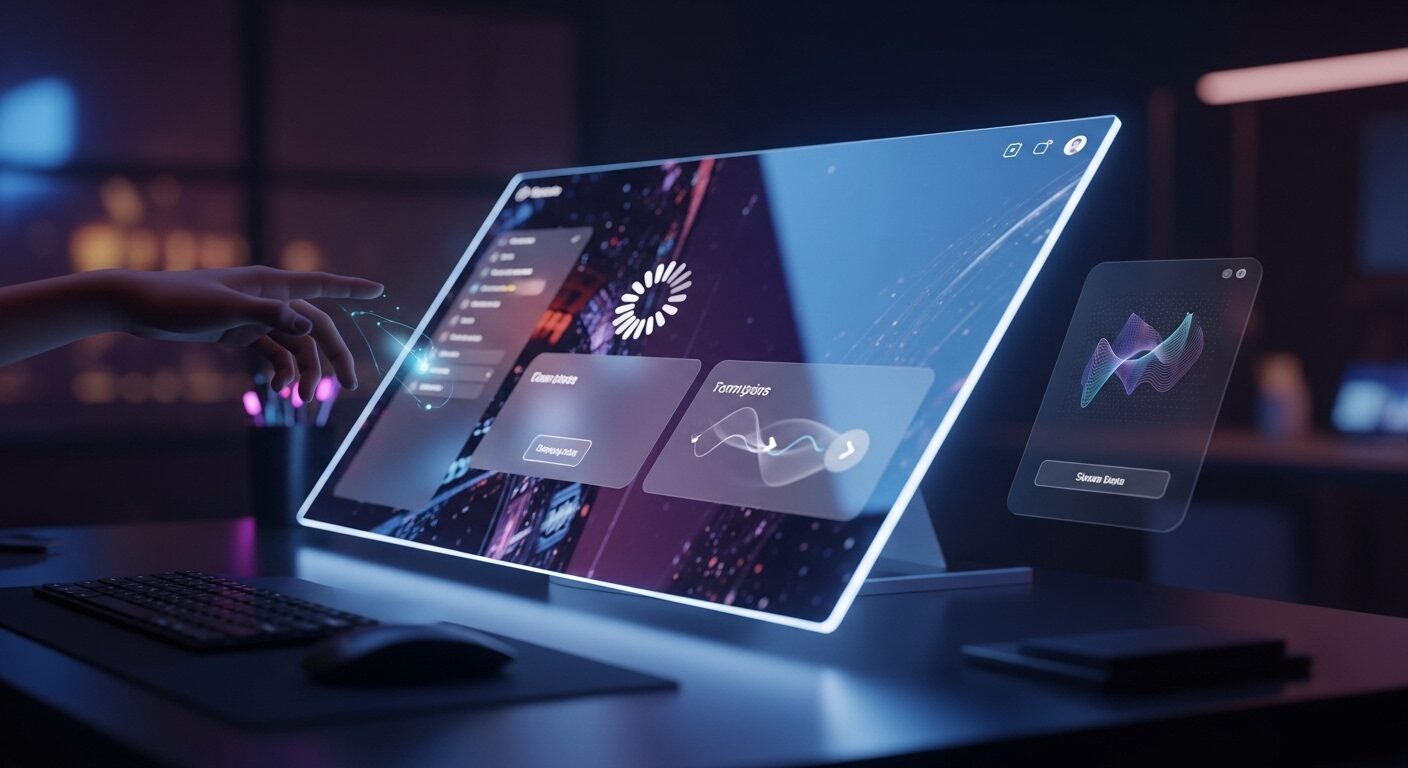
UI Animation Tips for Better Engagement: Elevate User Experience
In today’s highly competitive digital landscape, crafting an intuitive, delightful, and memorable user experience (UX) is no longer a luxury; it’s a necessity. Beyond static layouts and clear navigation, UI animation emerges as a powerful, often underestimated, tool in achieving this goal. Effective UI animation transcends mere aesthetics; it actively provides crucial visual feedback, subtly guides user attention, and transforms mundane interactions into engaging, even delightful, moments. This comprehensive article delves into essential UI animation tips for better engagement, meticulously exploring how thoughtful motion design can profoundly enhance user satisfaction, improve usability, and ultimately boost product stickiness. We will cover fundamental principles, practical applications, common pitfalls to meticulously avoid, and valuable tools to help you leverage animation to its fullest potential.
Why UI Animation Matters for User Engagement
UI animation is significantly more than just visual flair or decorative elements; it serves as a powerful, dynamic language for communication and connection within an interface. Firstly, and perhaps most importantly, animations provide immediate and unambiguous feedback. When a user interacts with an element, such as clicking a button or submitting a form, a subtle highlight, a gentle bounce, or a smooth transition instantly confirms their action. This immediate visual response dramatically reduces user uncertainty and builds confidence in the system’s responsiveness.
Core Principles of Effective UI Animation
Successful UI animation is fundamentally not about animating every single element on the screen; rather, it is about animating with clear purpose and strategic intent. Adhering to a set of fundamental principles ensures that animations consistently enhance, rather than detract from, the overall user experience.
Purposeful Design
Every single animation you implement should serve a clear, defined objective. Is its primary role to provide feedback on an action? Is it guiding user attention to a specific area? Is it explaining a complex transition between states? Or perhaps, is it simply adding a moment of delightful surprise? If an animation lacks a discernible purpose, it very likely adds unnecessary visual clutter and cognitive load, ultimately hindering usability. Therefore, before implementing any motion, always ask yourself “why?” and ensure it aligns with a user or business goal.
Timing and Easing
The speed and rhythm of an animation are absolutely critical to its effectiveness and perceived quality. An animation that is too fast might be missed entirely by the user, leading to confusion. Conversely, one that is too slow will feel sluggish, unresponsive, and frustrating. Generally, animations with durations between 200 and 500 milliseconds are considered optimal for most UI interactions, striking a balance UI animation tips between responsiveness and perceivability. Easing functions (e.g., ease-in, ease-out, ease-in-out) are equally important; they control the acceleration and deceleration of the animation, making movements feel natural, organic, and physically plausible. For example, an object coming to a stop should decelerate smoothly, mimicking real-world physics, rather than stopping abruptly.
Consistency
Maintaining a consistent animation language throughout your entire product is paramount. Similar interactions should invariably trigger similar animated responses. This predictability builds user confidence, reduces cognitive load, and makes the interface feel intuitive and reliable. Furthermore, consistent easing, duration, and style across related elements create a cohesive and unified user experience, reinforcing brand identity and professionalism. Inconsistent animations can lead to a disjointed and confusing interface, eroding user trust.
Guiding Users with Seamless Transitions
Seamless transitions between screens, views, or states are vital for preventing jarring cuts and helping users maintain their mental model of the interface. For instance, a card expanding smoothly into a full-screen detail view, or new elements gracefully sliding into place, can clarify context and indicate the relationship between different UI components. This visual continuity reduces disorientation, especially during complex workflows or when navigating hierarchical content. It makes the user journey feel fluid and logical.
Enhancing Loading States
Loading screens, by their nature, can be a source of frustration. However, thoughtfully designed loading animations—such as skeleton screens, progress bars with subtle motion, or playful, branded spinners—can significantly mitigate this frustration. They effectively manage user expectations by indicating that something is happening, provide a sense of progress, and can even make perceived wait times feel shorter. A creative and engaging loading animation can also serve to reinforce brand identity and entertain the user during unavoidable delays.UI animation tips
Communicating State Changes Clearly
These instant visual cues ensure users quickly understand the system’s current status and what action (if any) is required next. They prevent ambiguity and reduce the need for lengthy error messages.
Common Pitfalls to Avoid
While animation is an incredibly powerful tool for enhancing UX, its misuse can severely degrade the user experience, turning a potential asset into a liability. Awareness of these common pitfalls is crucial for responsible and effective animation design.UI animation tips
Over-Animation and Distraction
One of the most common mistakes is simply animating too much, or using animations that are excessively flashy or complex. This can quickly become distracting, overwhelming, and even annoying for users. Every single movement on screen should have a clear purpose and justify its existence. Avoid animations that compete for user attention or create visual noise. Ultimately, in the realm of UI animation, less is often, indeed, more. Prioritize clarity and subtlety over extravagance.
Inconsistency and Lack of Cohesion
As previously emphasized, inconsistent animation styles, timings, easing functions, or interaction patterns make an interface feel disjointed, unprofessional, and unreliable. Users expect a consistent language of interaction. Establish clear guidelines and a comprehensive design system for your animation vocabulary and rigorously adhere to them across all parts of your product. This ensures a unified, predictable, and trustworthy user experience that reinforces brand consistency.
Animation Without Purpose</h4>
An animation that doesn’t serve a clear functional purpose (like providing feedback, guiding attention, or indicating state) or a delightful purpose (like adding personality or a moment of joy) is merely
decorative. Such animations add cognitive load without providing any tangible value, making the interface feel cluttered and less efficient. Always justify the inclusion of an animation. If it doesn’t demonstrably improve clarity, enhance feedback, or contribute to user delight, it’s often best to consider removing it. Every pixel in motion should earn its place.
Tools and Resources for UI Animation
Bringing UI animations to life requires the right set of tools and a solid understanding of available resources. Here’s a breakdown of popular options that can help you implement stunning motion designs.
Design and Prototyping Tools
- Figma: A ubiquitous design tool, Figma, with its powerful “Smart Animate” feature, allows designers to create sophisticated transitions, microinteractions, and even complex prototypes directly within their design files. This streamlines the handoff process significantly.UI animation tips
- Framer: For designers and front-end developers who desire a higher degree of control and fidelity, Framer is an excellent choice. It enables the creation of high-fidelity, interactive prototypes using real code (React/TypeScript), making it ideal for crafting highly customized and complex animations that mirror final product behavior.
- Adobe XD: Offers intuitive “Auto-Animate” features, allowing designers to quickly prototype transitions and microinteractions between artboards with minimal effort. It’s particularly good for demonstrating basic motion concepts rapidly.
- Principle for Mac: A dedicated macOS application specifically designed for animating user interfaces. It offers a timeline-based editor and makes it easy to create complex interactions and transitions, exporting them as videos or interactive prototypes.UI animation tips
Development Tools and Libraries
- CSS Transitions and Animations: For web development, native CSS provides robust and highly performant capabilities for creating smooth and declarative animations. Properties like `transition`, `animation`, `transform`, and `opacity` are key for efficient motion.
- JavaScript Libraries (e.g., GSAP, Framer Motion, React Spring): For more advanced control over animation properties, complex timelines, chained animations, and physics-based motion, JavaScript libraries are indispensable. GSAP (GreenSock Animation Platform) is an industry standard for high-performance web animations. Framer Motion and React Spring are popular choices for React-based projects, offering declarative and physics-based animation primitives.UI animation tips
- Lottie (Airbnb): This remarkable library allows designers to export their Adobe After Effects animations as lightweight JSON files. These JSON files can then be rendered natively on web, iOS, Android, and React Native platforms, ensuring consistent, high-quality animation playback across diverse environments without needing complex code.
- Adobe After Effects: While primarily a video compositing and motion graphics tool, After Effects remains the industry standard for creating intricate, custom motion designs that can then be integrated into UI via Lottie or as video assets. It’s where many complex animation ideas are first brought to life.
Using the right tools for the job can significantly streamline your workflow, improve collaboration between design and development, and ultimately help you achieve stunning and performant animation results. It’s also highly beneficial to select tools that integrate seamlessly with your existing design and development stack for maximum efficiency.UI animation tips
Conclusion
Thoughtful UI animation is an indispensable element in crafting truly engaging and intuitive user experiences. By adhering to core principles like purpose, timing, and consistency, and by strategically implementing microinteractions, seamless transitions, and delightful moments, designers and developers can significantly elevate a product’s usability and appeal. Remember to avoid common pitfalls such as over-animation, inconsistency, and performance issues, always prioritizing user needs and accessibility. Ultimately, mastering these UI animation tips for better engagement empowers you to create interfaces that are not only functional but also memorable, enjoyable, and deeply connected with your users.
Frequently Asked Questions (FAQ)
Q1: What is the ideal duration for UI animations?
A1: Generally, UI animations should last between 200 and 500 milliseconds. This range offers a good balance between providing noticeable feedback and maintaining a responsive feel. UI animation tips
Q2: How can I ensure UI animations don’t negatively impact performance?
A2: To prevent performance issues, prioritize animating properties that are handled by the GPU, such as `transform` (for position, scale, rotation) and `opacity`. Avoid animating properties like `width`, `height`, `margin`, or `padding`, which can trigger expensive layout recalculations (reflows) on the CPU. Always test animations on various devices and ensure they are well-optimized.
Q3: Should every interactive element have an animation?
A3: No, not every interactive element requires animation. The key is purposeful design. Animations should serve a clear function, such as providing feedback, guiding attention, or communicating state changes. Over-animating can lead to distraction and a cluttered interface. Focus on strategic, subtle animations that enhance the user experience rather than just adding visual flair.
Big Shoutout to the guys who made this blog happen UDM
- https://udmcreative.com/content-marketing-strategy-for-startups-your-blueprint/
- https://triptrial.info/best-offbeat-travel-destinations-for-couples-unforgettable-escapes/
- https://triptrial.info/adventure-travel-ideas-for-couples-ignite-your-romance/
- https://triptrial.info/volunteer-travel-opportunities-make-a-difference-abroad/
- https://triptrial.info/affordable-travel-destinations-in-southeast-asia-budget-guide/


AI-powered SEO Tools 2026: The Future Of Search - Urban Dive Marketing
December 16, 2025 - 2:47 pm[…] https://udmcreative.com/ui-animation-tips-for-better-engagement-elevate-ux/ […]